
Text to speech with fair pricing

Introduction to Features
Use here, there, and everywhere
Explore the intelligent features that turn plain text into lifelike speech.

Instant text-to-speech
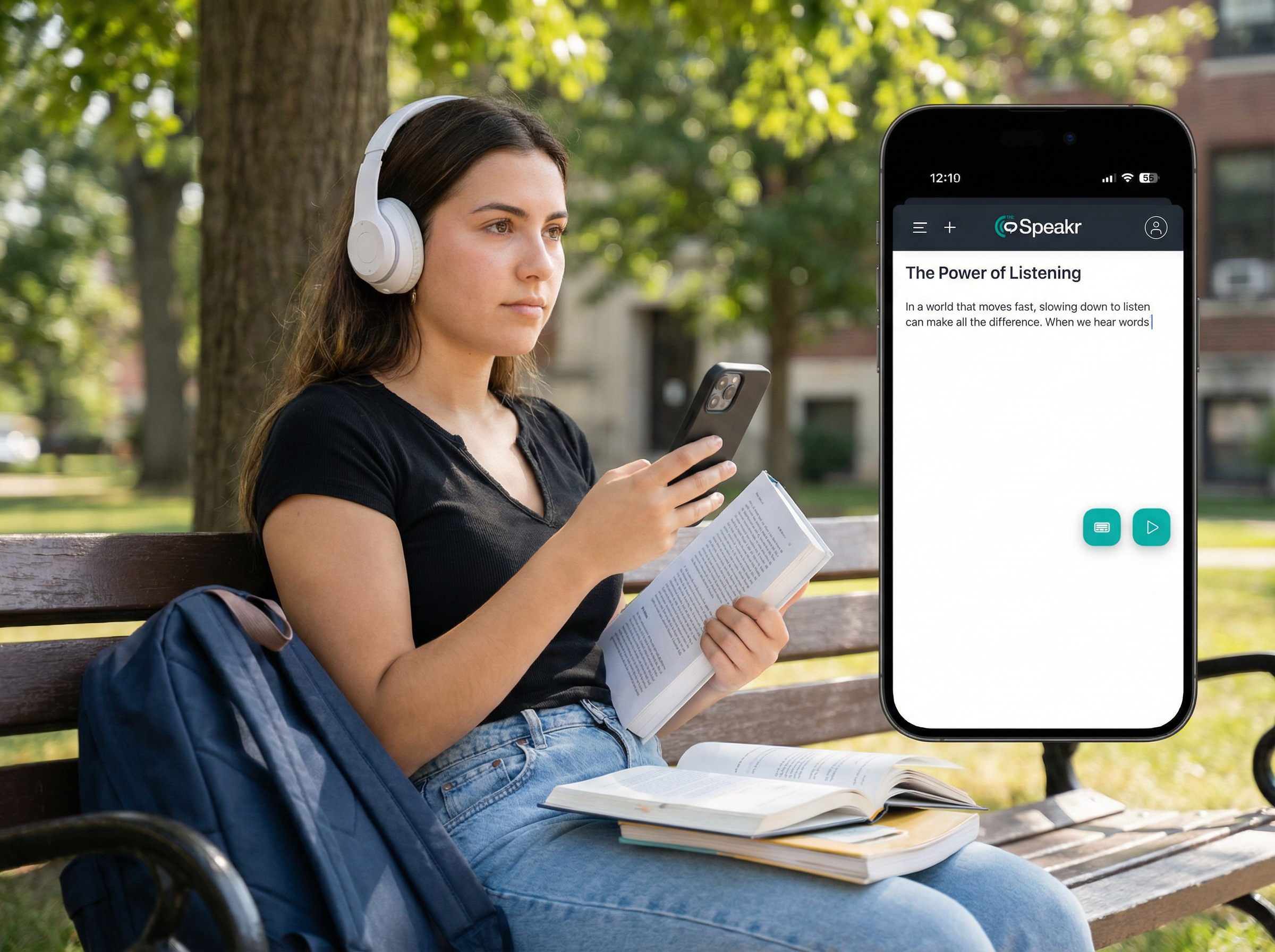
Type or paste any text and hear it transformed into natural, human-sounding speech within seconds. Perfect for quickly reviewing written content, practicing pronunciation, or listening instead of reading.

Read from URL
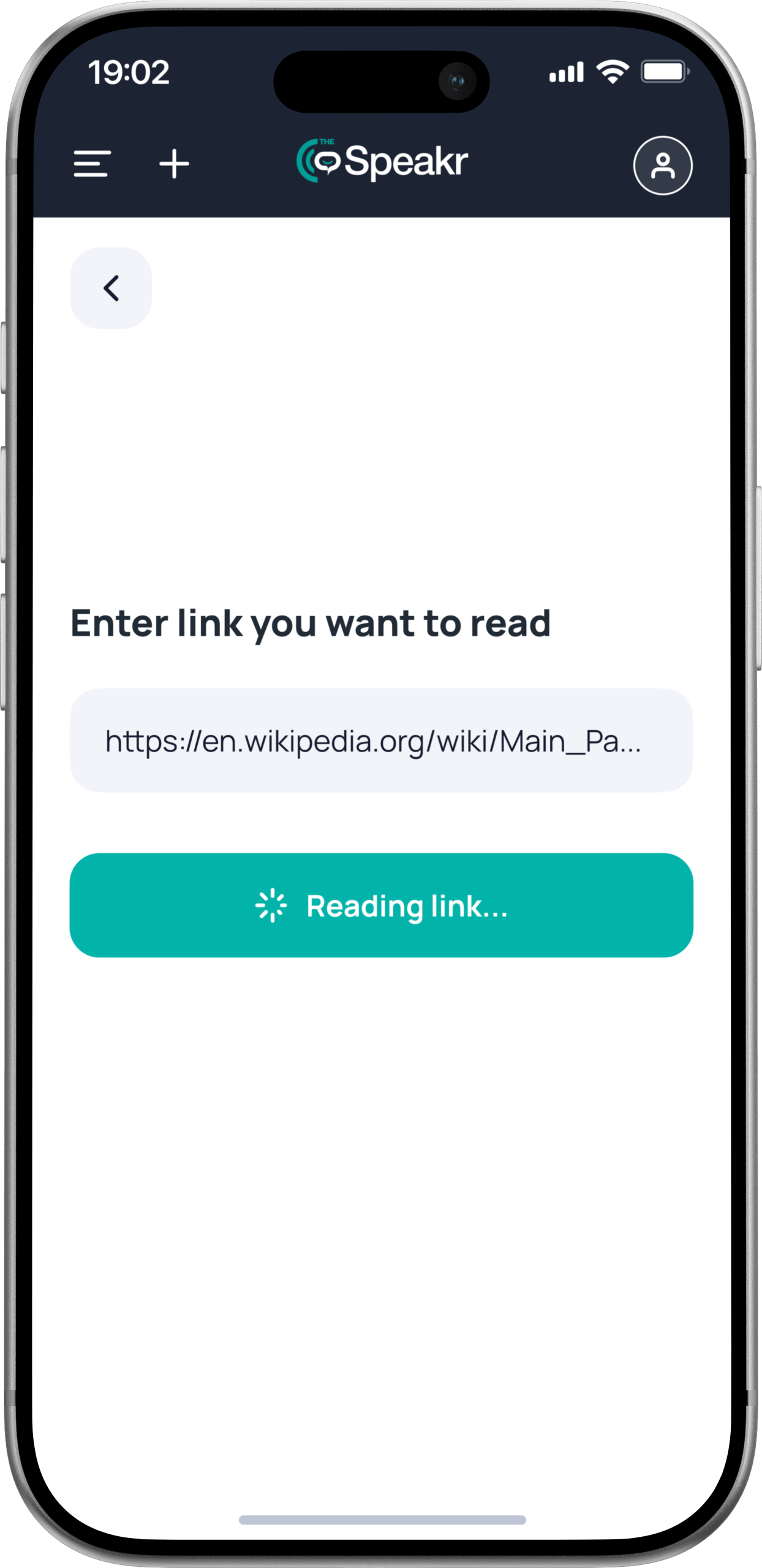
Paste a web link and the Speakr automatically scans the webpage, extracts the readable content, and narrates it aloud. Ideal for articles, blog posts, research pages, and online documents.

OCR text scanning
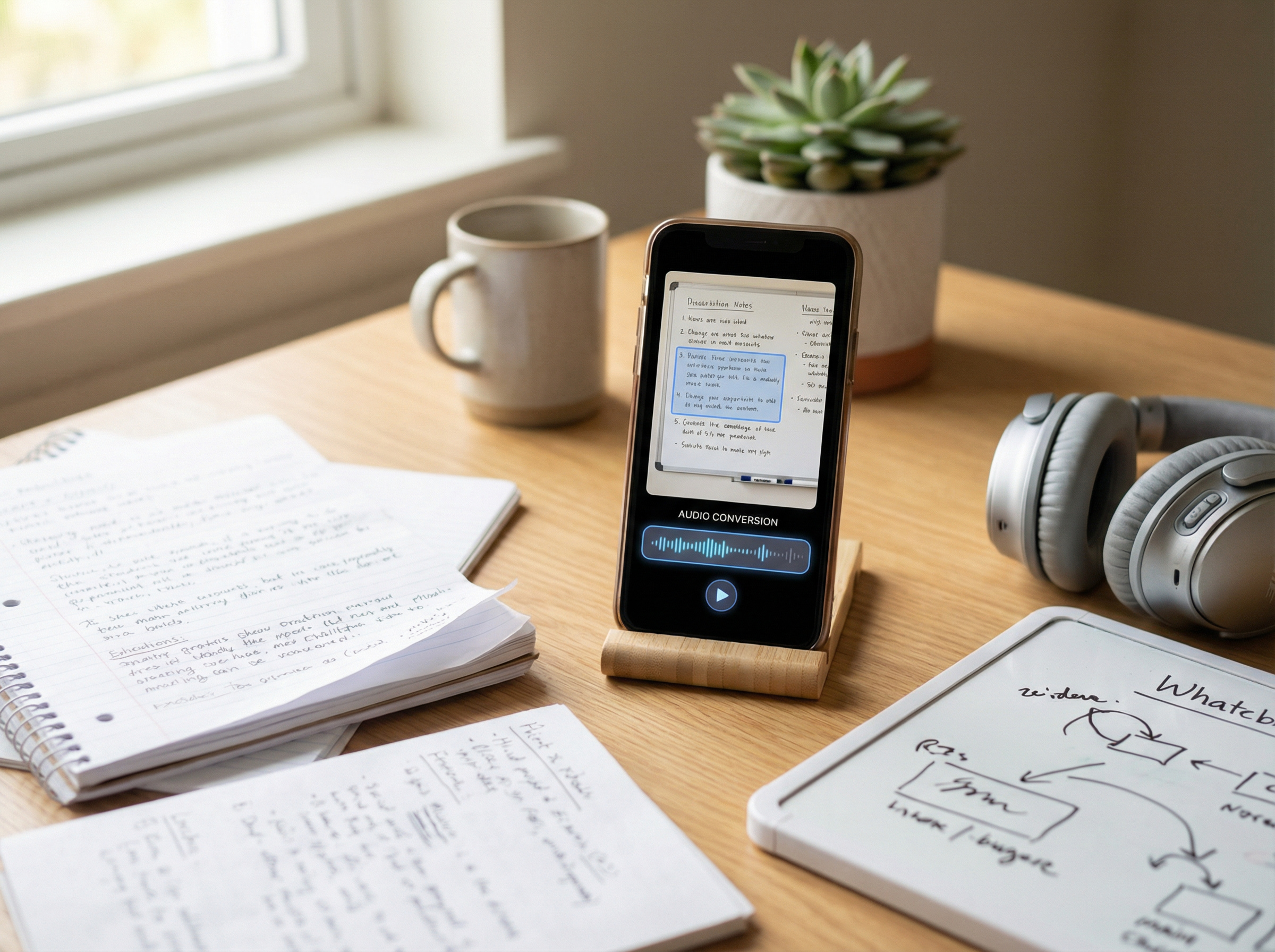
Upload a photo, screenshot, or scanned PDF. The Speakr uses advanced optical character recognition (OCR) to detect the text inside and convert it into speech.

Multi-format document upload
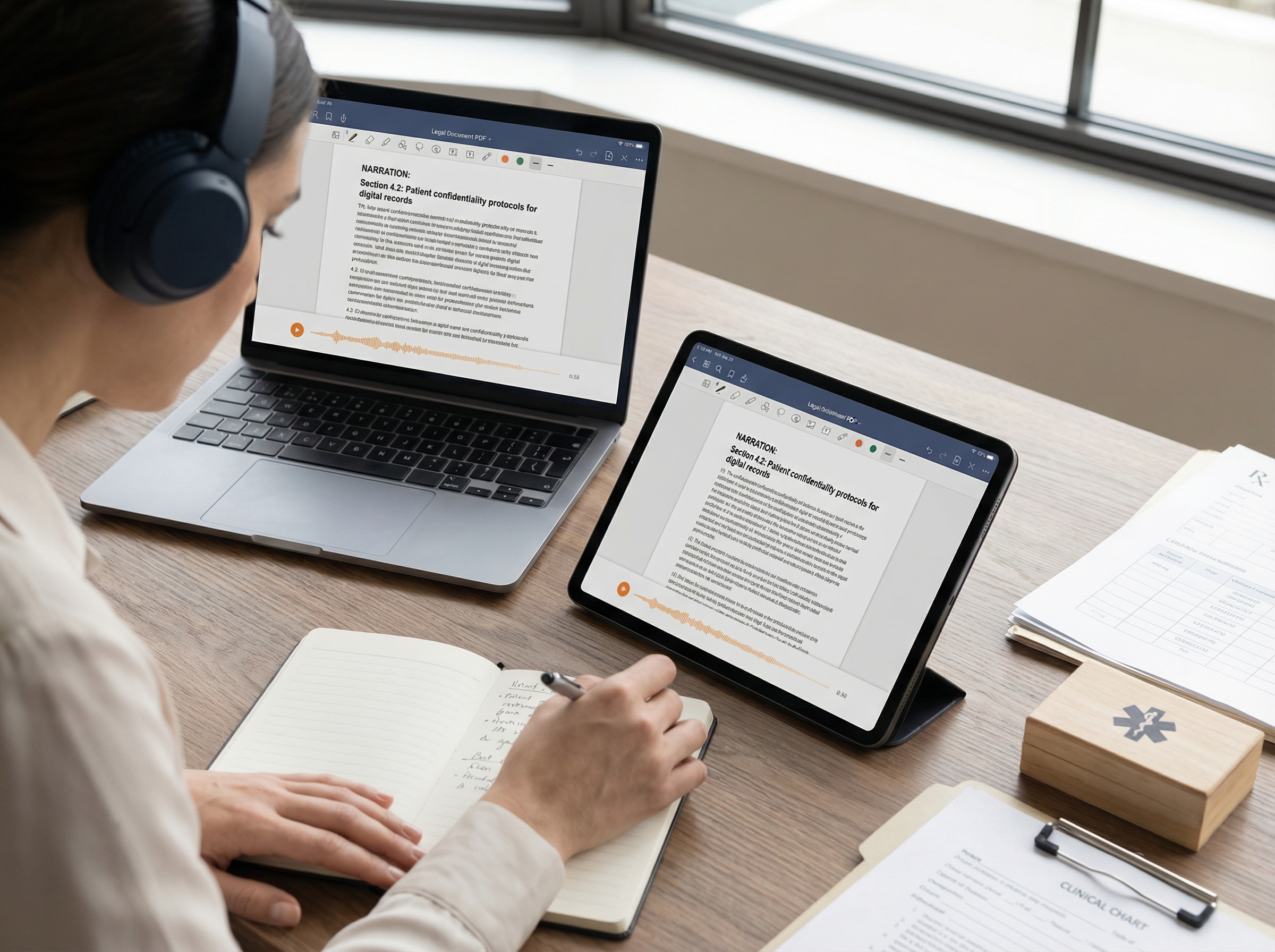
Upload files in various formats such as PDF, Word, or plain text, and the Speakr will read them aloud from start to finish.
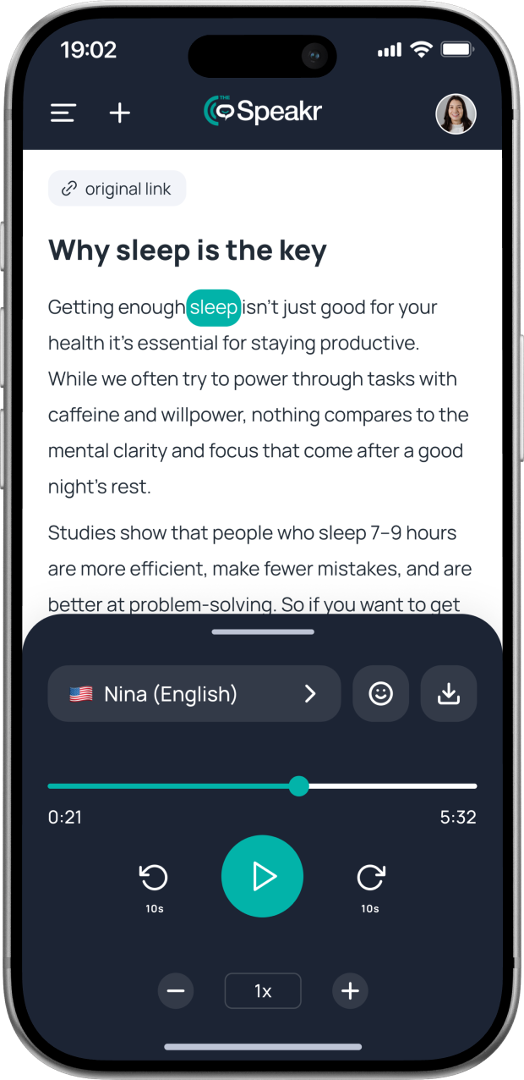
Instant text-to-speech
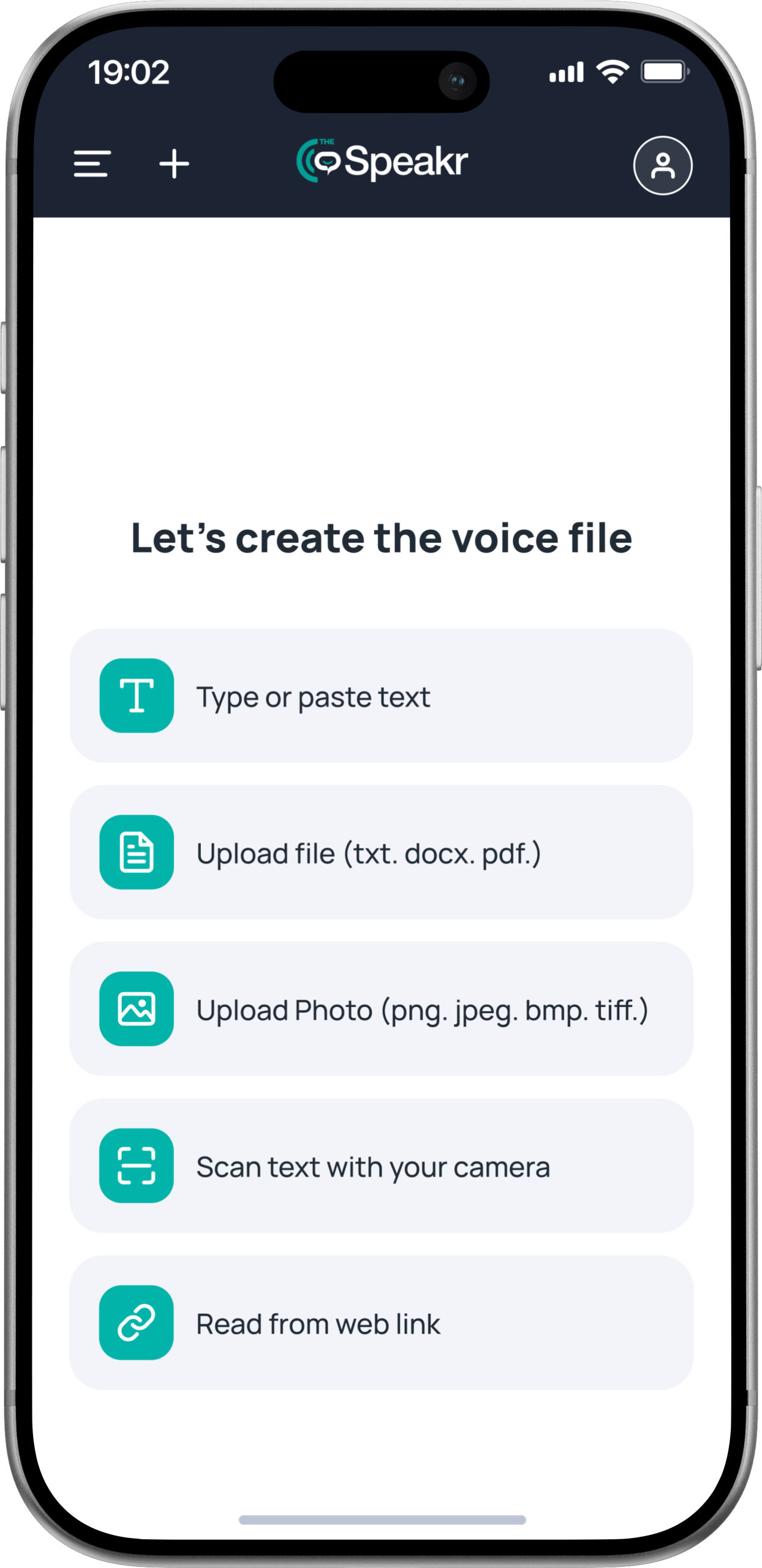
Type or paste any text and hear it transformed into natural, human-sounding speech within seconds. Perfect for quickly reviewing written content, practicing pronunciation, or listening instead of reading.
Read from URL
Paste a web link and the Speakr automatically scans the webpage, extracts the readable content, and narrates it aloud. Ideal for articles, blog posts, research pages, and online documents.
OCR text scanning
Upload a photo, screenshot, or scanned PDF. The Speakr uses advanced optical character recognition (OCR) to detect the text inside and convert it into speech.
Multi-format document upload
Upload files in various formats such as PDF, Word, or plain text, and the Speakr will read them aloud from start to finish.
Introduction to System
Generate voices in 40+ languages
Convert text into natural speech in any language or accent.
Introduction to Showcases
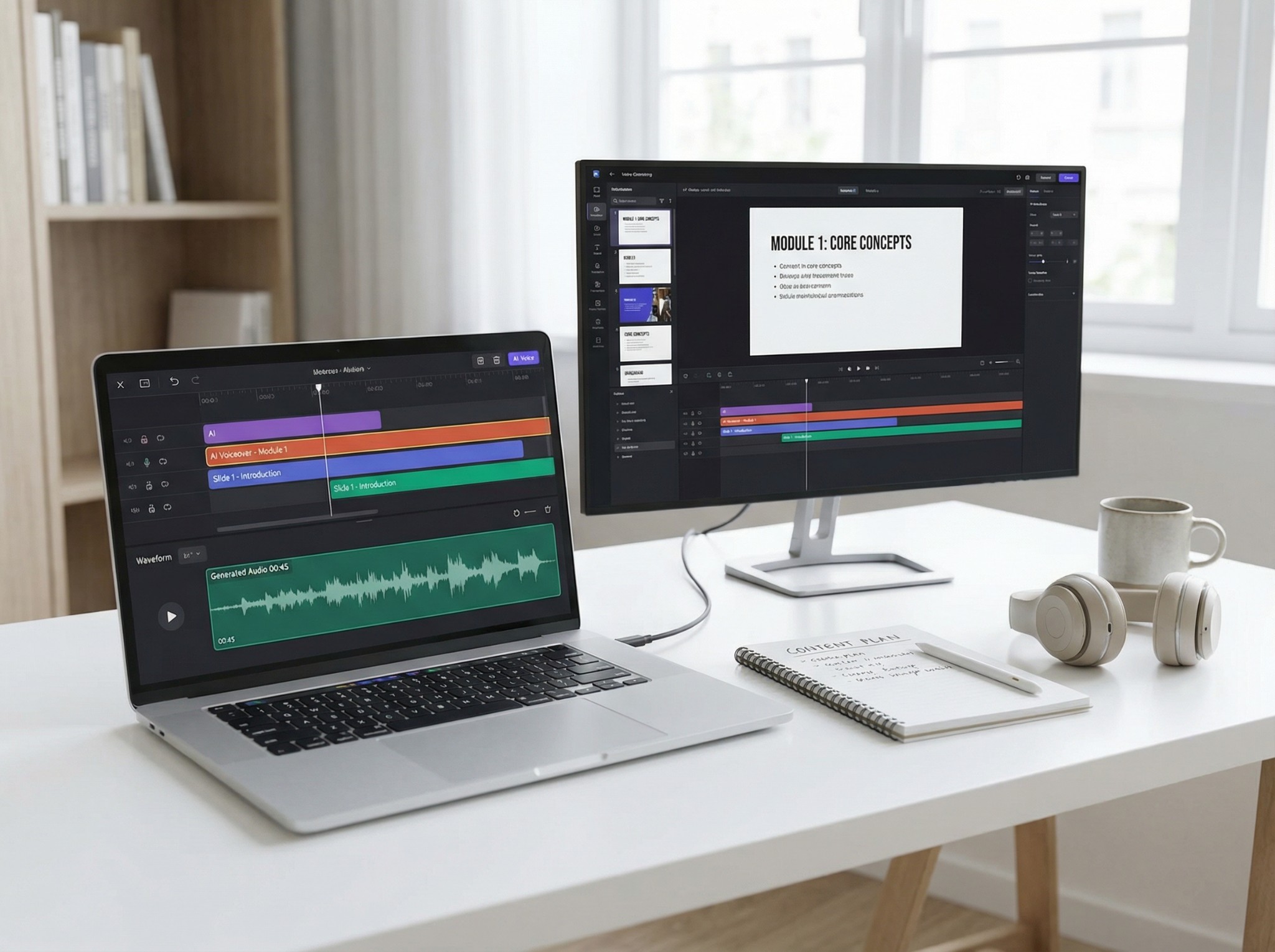
See how creators and businesses leveragin the Speakr

Get the Answer
Frequently asked questions
What is the Speakr?
The Speakr is a user-friendly text-to-speech platform available both as a web and mobile app that converts written text into natural-sounding speech. Whether you’re using it for accessibility, productivity, learning, or just for fun, the Speakr makes listening to text easy and efficient.
How do I use the Speakr?
Using the Speakr is simple! Just paste or type your text into the app, choose from a variety of voices and languages, and hit play. The app will instantly convert your text into speech. The app features many smart features such as OCR to scan text from images, upload and read PDFs, download the file as an mp3 and adjust the speed and mood to suit your preferences.
Can I customize the voice and speed in the Speakr?
Absolutely! The Speakr allows you to choose from multiple voice options and adjust the speed, pitch and mood of the speech to match your preferences for a tailored listening experience.
Do I need to download anything to use the Speakr?
Only if you want to! The Speakr is a multi-platform app so you can access it directly from your browser without any installation, or if you prefer a mobile listening experience our mobile app is also available for download in the App Store or Google Play market.